

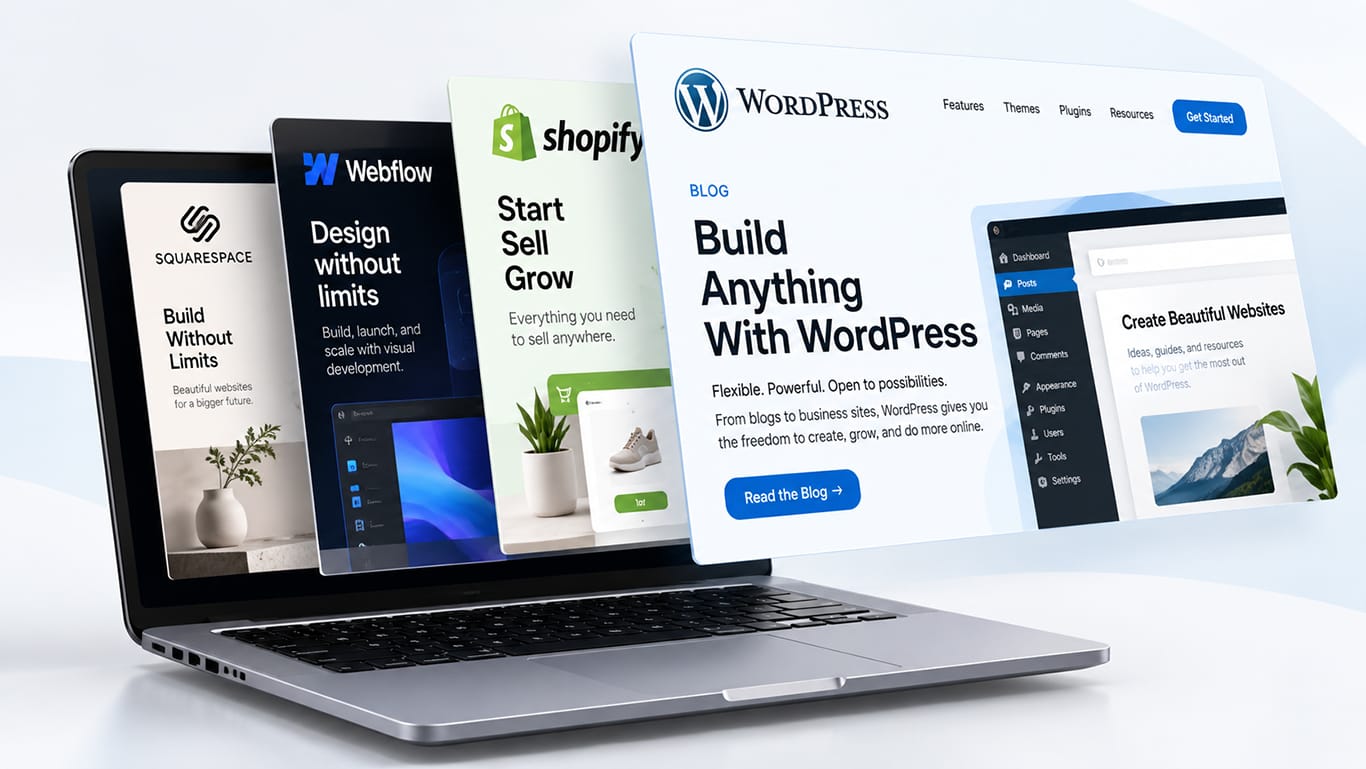
Put the four platforms most business owners actually consider side by side and the decision gets a lot clearer. WordPress vs Shopify vs Webflow vs Squarespace is not a question with one correct answer, because the four were built for different jobs. Choose the right one and your site grows with you. Choose badly and every small change turns into a support ticket, a workaround, or a rebuild two years later. Here is a plain-English look at what each platform is genuinely good at, so you can match it to your business instead of the other way round.
First, What a CMS Actually Does for You
A content management system is the layer between you and the code. It is what lets a marketing manager publish a blog post, swap a hero image, or add a new service page without opening a single file. That sounds mundane until you imagine the alternative: emailing a developer every time a price changes.
So the real question is not “which platform is most powerful.” It is “which platform lets my team do the daily work quickly, while still doing the things my business will need in three years.” Scale matters, but so does the Tuesday afternoon edit.
WordPress: The Flexible Workhorse
WordPress still runs about a third of all measurable websites, and roughly two thirds of every site that uses a detectable CMS, according to HTTP Archive data from April 2026. That scale is not just trivia. It means an enormous plugin ecosystem, a deep pool of developers who know it, and a solution already written for almost any problem you hit.
Where WordPress wins is ownership and range. You host it, you own the database, and you can extend it in directions the original designers never imagined. Content-heavy sites, membership areas, multilingual builds, custom booking flows, unusual data structures: WordPress handles all of it. It is also the most comfortable home for serious SEO work, because you control every technical detail rather than waiting for a vendor to expose a setting.
The trade-off is responsibility. Plugins update, hosting needs attention, and security is yours to manage. That is exactly why an ongoing WordPress care plan matters more on WordPress than anywhere else. Left alone for a year, a WordPress site drifts. Maintained properly, it will outlast every platform on this list.
Choose WordPress if: you publish regularly, you need custom functionality, you care about owning your platform, or you expect the site to keep evolving.
Shopify: Built for Selling Products
Shopify is not a general-purpose CMS pretending to sell things. It is a commerce engine with a CMS attached, and that focus shows. Inventory, variants, shipping rules, tax calculation, abandoned cart recovery, payment processing and PCI compliance are all handled for you out of the box. If you sell physical products at any real volume, that removes a genuinely painful category of work.
It is also the safest choice when reliability during a sales spike matters. Shopify absorbs traffic surges that would flatten a modestly hosted site, and you never patch a server at midnight.
The limits appear at the edges. Deep content marketing on Shopify is workable but never as comfortable as on WordPress. Anything structurally unusual, such as complex quoting, custom portals, or content models the platform did not anticipate, means fighting the system or paying for apps. App subscriptions also accumulate quietly, so a Shopify store’s real monthly cost is usually higher than the plan price suggests.
Choose Shopify if: product sales are the point of the site, you have real inventory to manage, and you would rather rent reliability than build it.
Webflow: Designer-Grade Control Without Hand-Coding
Webflow occupies an interesting middle ground. It gives designers genuine control over layout, typography and interaction, producing clean output without a developer writing CSS by hand. Sites built in Webflow tend to look considered, load quickly, and feel modern, because the tool nudges you toward good structure.
Its CMS collections are also pleasant to work with for structured content: team members, case studies, job listings, resources. Hosting is included and managed, so there is no server to babysit.
The honest catch is the learning curve and the ceiling. Webflow rewards people who understand how the web is built; for everyone else the editor can feel intimidating. And when you need something genuinely custom on the back end, options narrow. Its market share remains small, so your pool of available specialists is smaller too.
Choose Webflow if: visual craft is central to your brand, your content is structured but not enormous, and you have someone comfortable in a design-led tool.
Squarespace: The Fastest Route to a Tidy, Presentable Site
Squarespace does one thing exceptionally well: it gets a good-looking site live quickly, with very little that can go wrong. Templates are well designed, everything is hosted and maintained, and a non-technical owner can genuinely run the site alone. For a consultancy, clinic, studio, restaurant or portfolio, that is often all the site needs to be.
The constraint is the same as the benefit. You work inside the boundaries Squarespace sets. Advanced SEO controls, unusual integrations, custom data and serious e-commerce all hit walls faster here than elsewhere. Many businesses outgrow it, which is fine as long as you expect that rather than discovering it during a busy quarter.
Choose Squarespace if: you need a professional brochure site soon, you value simplicity over flexibility, and your requirements are unlikely to get complicated.
Four Questions That Usually Settle It
1. What is the site’s main job? Selling products points to Shopify. Earning search traffic and nurturing leads points to WordPress. Presenting a brand beautifully points to Webflow or Squarespace.
2. Who updates it? Be realistic about the person who will actually log in each week, not the person you hope to hire.
3. What has to connect to it? This is where platform choice bites hardest. Your booking system, accounting tool, email platform and CRM all need to talk to the site, and each platform handles that differently. If your sales process depends on data reaching a CRM cleanly, look at what proper integration services involve before you commit.
4. What does the site look like in three years? Choose for the business you are building, not only the one you have today. Moving platforms later is entirely possible, but it is never free.
What If You Chose Wrong Already?
It happens constantly, and it is fixable. The risk in a platform move is never the design; it is the quiet things. Redirects, URL structures, form submissions, tracking and years of accumulated content are where traffic gets lost. Done methodically, a WordPress migration preserves rankings and history rather than resetting them. Done carelessly, it costs a year of SEO progress. The difference is planning, not luck.
The same applies to online stores. Australian retailers moving off Neto, now Maropost Commerce Cloud, have extra steps to plan around products, customers, GST and marketplace integrations, all covered in this Neto to WooCommerce migration guide.
How Cognitech Helps You Decide
We are platform-agnostic on purpose. Before recommending anything, we look at how you sell, who maintains the site, what systems it must connect to, and where the business is heading. Sometimes the answer is a custom WordPress build; sometimes it is keeping the Squarespace site and fixing the funnel behind it. Our website design and development work starts from that assessment rather than from a favourite tool.
Frequently Asked Questions
Which CMS is best for SEO?
WordPress, for most businesses. Not because it ranks better by default, but because it gives you control over every technical detail that matters: URL structure, redirects, schema markup, page speed, internal linking and crawl behaviour. Webflow is capable and clean. Squarespace and Shopify both handle the basics well but limit you at the advanced end, which only becomes a problem once search is a serious channel for you.
Can I move from Squarespace to WordPress later?
Yes, and plenty of businesses do. Content and images transfer without much drama. The care goes into mapping old URLs to new ones with proper redirects, rebuilding forms and tracking, and checking that nothing which used to rank quietly disappears. Planned properly it is a few weeks of work and you keep your rankings. Rushed, it costs traffic.
Is Webflow better than WordPress?
Neither is better in general. Webflow gives designers more precise visual control and removes hosting and maintenance worries. WordPress gives you far more range, deeper functionality, full ownership and a much bigger pool of people who can work on it. Webflow suits design-led brochure and marketing sites; WordPress suits sites that need to do things.
Which platform is cheapest to run?
Squarespace usually has the lowest predictable monthly cost. WordPress can be cheaper or dearer depending on hosting and maintenance, and it carries the highest upfront build cost when custom work is involved. Shopify looks moderate until app subscriptions accumulate. Compare three-year totals including maintenance rather than the headline monthly figure, and factor in what each setup will realistically earn you.
Do I need a developer to manage a CMS?
For Squarespace, no. For Shopify, rarely for day-to-day work. For Webflow, someone comfortable with web structure helps a great deal. For WordPress, you can publish content yourself easily, but updates, backups, performance and security are better handled on a maintenance plan than left to chance.
The Bottom Line
There is no universal best CMS, only the best fit for a specific business. WordPress gives you range and ownership. Shopify gives you commerce infrastructure. Webflow gives you design control. Squarespace gives you speed and simplicity. Be honest about the job, the team and the integrations, and the right answer usually becomes obvious. If you would rather talk it through with someone who has migrated sites in every direction, book a free consultation and we will map it out with you.